

How long does it take to move Dropbox to Google Drive?
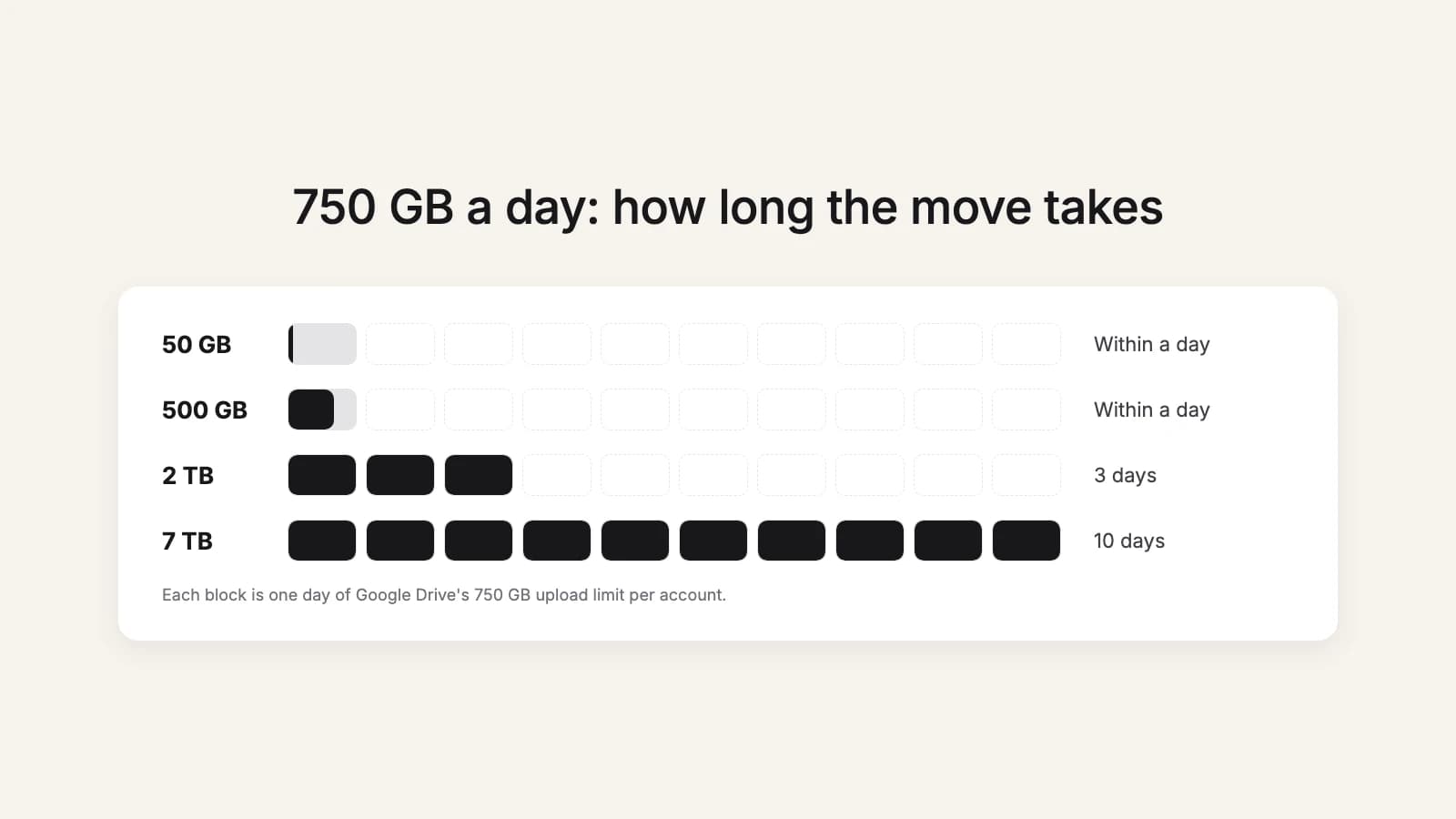
The short answer: at least one day for every 750 GB, however you do it. Google Drive lets each account upload and copy 750 GB within 24 hours, and once it gets there, "users who reach the 750-GB limit can't upload or copy more files until the limit refreshes." That sets a floor before your internet connection even comes into it.
The floor: Google Drive's 750 GB a day
The cap is per Google account, and it counts everything that account uploads or copies, in My Drive and in shared drives. A single file bigger than 750 GB still uploads (Google lets the first file that crosses the limit finish), up to Drive's maximum of 5 TB per file. Files over 750 GB can be uploaded but not copied within Drive, so they always need a fresh upload.
| Dropbox size | Upload at 20 Mbps | Upload at 100 Mbps | Upload at 500 Mbps | Cloud to cloud |
|---|---|---|---|---|
| 50 GB | 6 h | 1 h | 13 min | Within a day |
| 500 GB | 2 days | 11 h | 2 h | Within a day |
| 2 TB | 9 days | 3 days (cap) | 3 days (cap) | 3 days |
| 7 TB | 32 days | 10 days (cap) | 10 days (cap) | 10 days |
The upload columns assume the files are already on your computer. If you download from Dropbox first, add the download time too: everything crosses your connection twice. And most home and office connections upload far slower than they download, so check your upload speed, not the number on the plan.
The last column is a cloud-to-cloud tool that copies from Dropbox straight to Google Drive, such as Google's Data Migration service or this2that. Your connection drops out of the picture and the daily cap is what's left: 2 TB in about three days, 7 TB in about ten.
What slows a move down
- Many small files. Every file is its own upload, with its own setup and checks. A folder of 200,000 small documents takes much longer than one video of the same total size.
- Deep folder trees. Every folder has to exist in Google Drive before its files can land in it, so tens of thousands of folders add time at the start.
- A computer in the middle. Sleep, a closed laptop lid or a dropped Wi-Fi connection stops a desktop-app migration until someone notices.
- Other uploads on the same account. The 750 GB is shared with everything else that account uploads that day.
How to plan around the cap
- Move what people need first. Current projects before the archive, so the team can switch while the old stuff is still on its way.
- Split by person on a team. Each Google account has its own 750 GB, so if each person moves their own part into their own account, the work runs side by side.
- Keep working in Dropbox meanwhile, then copy what changed at the end rather than freezing everyone for days. Our switch-over checklist covers the timing.
- Check Google storage first. A move that stops at a full Drive wastes a day of cap.
Try it now
Let the waiting happen without you
this2that pauses at the daily cap and carries on by itself the next day, so a 7 TB move needs no babysitting. The first 5 GB or 200 files are free.
What this looks like in this2that
When you press Move, we count the files first and start right after. When the Google account reaches its 750 GB for the day, the move pauses on its own and picks up again when Google allows more; you don't need to come back to restart it. Close the tab whenever you like: the progress is there when you return, with a report of every file. The step-by-step version of every method is in our guide to moving Dropbox to Google Drive.