

Vimeo videos restricted after your plan ended? How to get them back
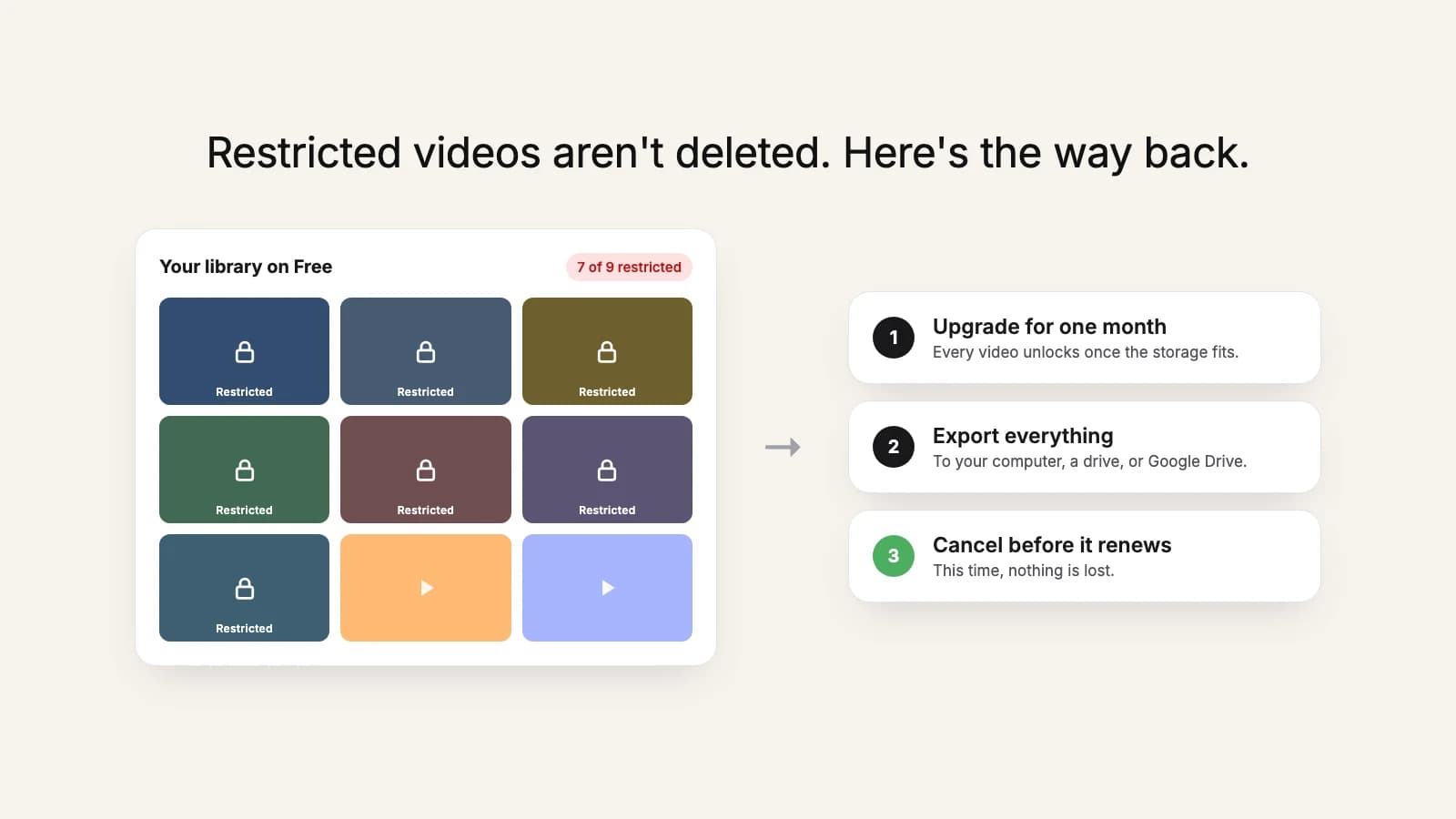
Your paid Vimeo plan ended, and now most of your videos say they're restricted. The players on your website are broken and the download button is gone. The good news first: the videos are still there. Here's what happened and how to get all of them back, and saved somewhere Vimeo's plans can't touch.
What "restricted" means
When a paid plan lapses, the account drops to the Free plan, which only holds 1 GB. Vimeo then restricts videos, starting with your newest uploads, until what's left fits. A restricted video can't be played, edited, or downloaded, and its links and embeds stop working. It hasn't been deleted.
First: don't delete anything
It's tempting to delete videos to get back under 1 GB. Be careful: deleting a restricted video is permanent. It skips Recently deleted and can't be recovered. Deleting does free space, and Vimeo unlocks the next restricted video in line as room appears, but every video you delete to get there is gone for good. Only do this for videos you're sure you'll never need.
Why you can't just download them now
Restricted videos have no download option, by design. And the Free plan doesn't allow downloads through the Vimeo API, which is what bulk export tools (including ours) rely on. So on Free, the only thing you can download is the handful of older videos still inside the 1 GB, one at a time from the website.
The way back: one month, then leave properly
Restricted videos unlock immediately once your plan's storage covers the whole library, with their original links and embeds. Don't leave it for years, though: recordings of live events move to archive storage, and Vimeo only promises to restore those if you upgrade within a year of lapsing. That gives you a clean way out:
- Upgrade for one month. Pick the cheapest plan whose storage covers your library and that includes API downloads (Starter and up; see which plans qualify).
- Check the videos are back. Open a few that were restricted. If some still are, the plan's storage is too small.
- Export everything. Create a Vimeo access token and copy the library to your computer or an external drive or to Google Drive.
- Check the copy, including your longest videos.
- Cancel before the month renews. Your access lasts until the end of that month, and this time nothing is lost.
A month of a paid plan usually costs less than the time it takes to rebuild even a few lost videos.
Try it now
Upgraded again? Save the library while it's unlocked
Download every video to a folder on your computer or external drive, or copy it straight into Google Drive. Pay once for the size of your library, no subscription.
What about the broken embeds?
While you're on the paid month, embeds work again. If you plan to leave Vimeo for good, use that month to move the videos to wherever they'll be hosted next and update the embeds on your site. Once the plan ends a second time, they'll break again.
Next time
If you're planning to leave a video platform, export before the billing period ends. Our timeline of what happens when you cancel Vimeo and the step-by-step cancel guide cover the order to do it in.