

Vimeo paused your account over bandwidth? Get a full copy out first.
Whatever you decide about Vimeo next, the first job is the same: get every video onto storage you control. Vimeo says that when it suspends an account over bandwidth, your videos stop playing for viewers but you still have access to them. Use that access now.
First 10 videos or 3 GB free. Pay once for the size of your library. See pricing
Why the copy comes first
When Vimeo contacts you about bandwidth, you're usually being asked to make a decision quickly: lower your usage, move to a custom plan priced on bandwidth, or move off Vimeo. That decision deserves a calm week. Your archive doesn't need to wait for it.
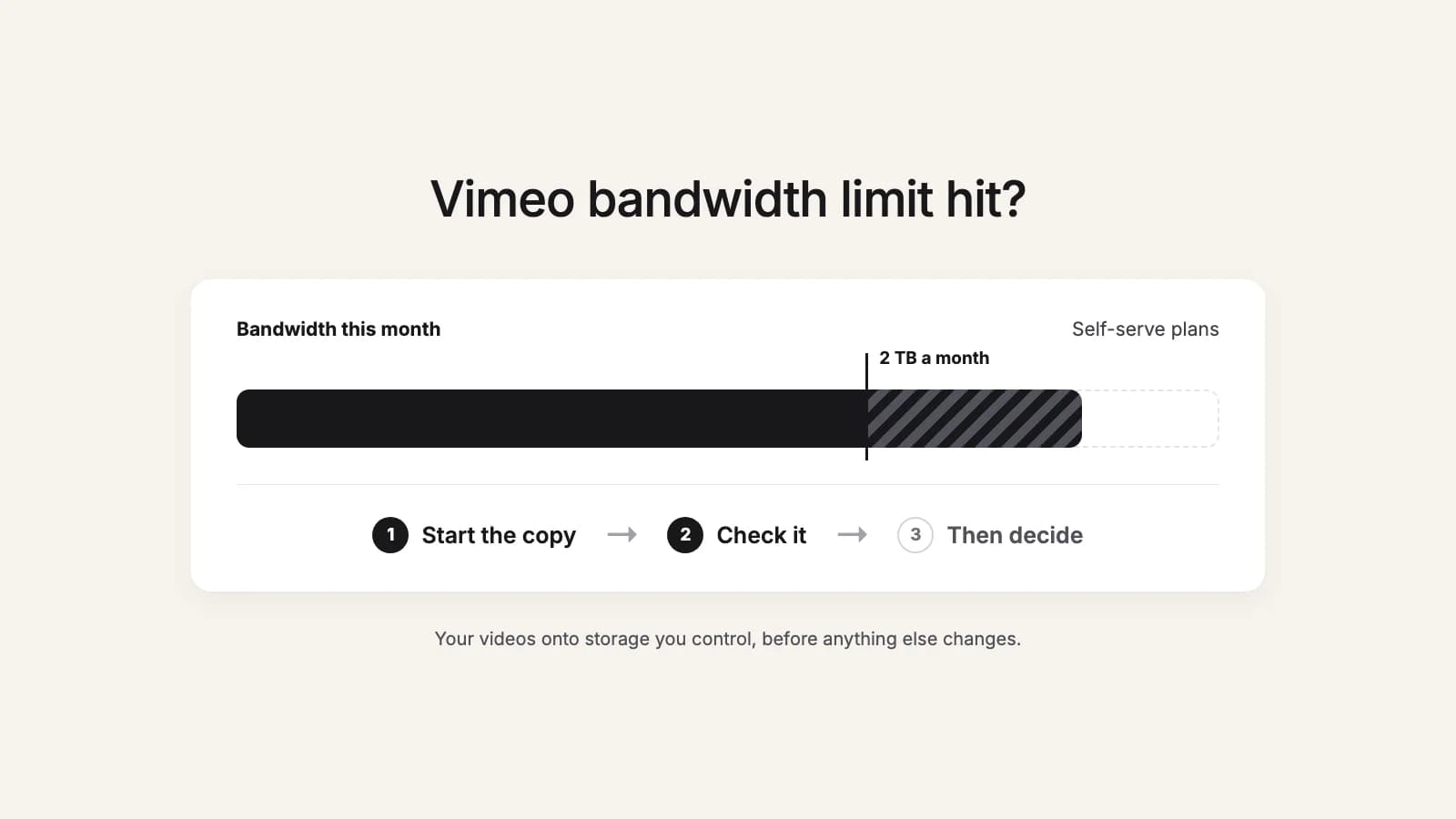
Three things to do in this order:
- Start the copy now. Vimeo's Help Center says a suspended account's videos stop playing for viewers, "however, users will still have access to those videos." In our experience so far, paused accounts have still been able to export. Vimeo doesn't promise this, so start now.
- Don't cancel or downgrade first. Bulk downloads go through Vimeo's API, and Vimeo only allows video file downloads through the API on Standard, Advanced or Enterprise (or legacy Pro, Business or Premium). Drop to Free, Starter or Plus and that route closes. Cancel, if you're going to, after the copy is checked. (Which plans qualify)
- Then talk to Vimeo. Once a copy is running, you're negotiating from a calmer place, whatever you choose.
Videos restricted because a paid plan ended? That's a different problem: here's what to do.
What Vimeo's bandwidth rules actually say
Here's the policy in Vimeo's own words, summarized. Links go to the source.
- What's the limit?
- 2 TB (2,000 GB) a month on self-serve plans (Starter, Standard and Advanced all list 2 TB per month). On Free, 1 TB a month for embeddable and non-public videos. Bandwidth on Vimeo, About Vimeo plans
- What counts?
- Playing a video, loading the player and thumbnail, live streaming, and downloading a video. The main driver is how many people watch, and at what quality. Bandwidth on Vimeo
- When does Vimeo reach out?
- If you exceeded 2 TB in a month at least twice in the past 12 months, or 10 TB once. Bandwidth on Vimeo
- How long do I have?
- Vimeo expects a response and a resolution within 7 days of its first outreach. Nothing changes on the account during those 7 days. Bandwidth on Vimeo
- What if there's no resolution?
- The account is at risk of a temporary suspension: videos stop playing for viewers wherever they're embedded, but you still have access to them. Bandwidth on Vimeo
- What can Vimeo do under its terms?
- Charge fees for excessive usage, require an upgrade to a more suitable plan, or terminate the account with advance written notice. Vimeo Terms of Service
- Do extra accounts help?
- No. The limit applies across all accounts you control. Bandwidth on Vimeo, Terms
- What are my options?
- Vimeo lists three: bring usage under 2 TB a month, upgrade to a Custom or Enterprise plan priced by expected bandwidth, or migrate off Vimeo. Bandwidth on Vimeo
Sources: Vimeo Help Center, Bandwidth on Vimeo; Vimeo Terms of Service; Vimeo plan comparison. Last checked: October 2026.
Why bandwidth can spike when your audience didn't change
Bandwidth isn't only views. Vimeo counts downloads too, and a public video with downloads switched on can be fetched over and over by people, or by automated tools, who will never watch it. Vimeo itself warns that scrapers often mimic normal use and target publicly available videos.
If your spikes don't match your real viewers, Vimeo's own advice for protecting content is a good place to start. Do it after your copy is running. It doesn't affect your own access, and Vimeo says owners always see the download button on their own videos.
- Turn off viewer downloads for all videos: Account settings, Upload defaults, untick "Download them", tick "Also apply to existing videos", Save.
- Make videos Private, password-protected, or Unlisted instead of Public.
- Turn on Private Mode so your profile and videos don't appear on vimeo.com.
Then check the bandwidth report in your Vimeo analytics (paid plans) to see whether usage drops.
How to get the whole library out
- 1
Check your plan. API downloads need Standard or above (or legacy Pro, Business, Premium). Which plans qualify
- 2
Create a Vimeo access token with the private and video_files scopes. It takes a couple of minutes. Token guide
- 3
Pick where it goes: a folder on your computer or an external drive, or Google Drive (My Drive or a Shared Drive). The next section helps you choose.
- 4
Load the library and select everything. You'll see the number of videos and the total size, so you know how much space you need. Set the page size to All and tick select all. Leave quality on Original.
- 5
Start, then check the copy. Open a few files, including your longest ones. On a later run, the New filter shows only the videos you haven't copied yet.
In our experience so far, paused accounts have still been able to export. Vimeo doesn't promise this, so start now.
Wedding filmmaker? See moving a wedding film archive off Vimeo.
Disk or Google Drive?
Both routes use the same pack, and a video only draws down your pack the first time it moves.
| Question | Your disk or external drive | Google Drive or a Shared Drive |
|---|---|---|
| How it moves | Your browser fetches each video straight from Vimeo's CDN into the folder you pick, three at a time. Only when Vimeo's CDN refuses a direct browser download does a video pass through this2that's site on the way, and nothing is kept. | Cloud to cloud, from Vimeo straight to Google Drive. |
| What limits speed | Your connection and your drive. | Google: about 750 GB per account per day, across My Drive and all shared drives (Google's limits). |
| Keep the tab open? | Yes, until the panel says Downloads complete. Finished files stay; unfinished ones start again at no extra cost. | No. Close the browser and come back later. |
| Good for | Getting a full copy fast if you have a quick connection and enough disk space. | A copy you can reach and share from anywhere, without tying up your computer. |
| Watch out for | Free space (plan for the full library size plus headroom). External drives formatted FAT32 can't hold files over 4 GB; use exFAT. Safari and Firefox save to your Downloads folder; Chrome, Edge, Arc (and Brave after one setting) save to the folder you pick, with your Vimeo folders kept. | Big libraries take days, not hours, because of Google's daily cap. Make sure the Google account has room. |
Pick one route first. Your disk for speed, if you have a fast line and enough space. Google Drive to free your computer and keep a copy in the cloud. Vimeo counts downloads toward bandwidth, so running both at once would pull every video from Vimeo twice. If you want a second copy, make it later from your own first copy, not from Vimeo again.
More on each: Vimeo to an external hard drive, Google Drive vs a Shared Drive for video archives, Vimeo to Google Workspace Shared Drives.
How long will it take?
Rough best-case times. Real runs are usually slower (Vimeo's API, file sizes, Wi-Fi, other traffic on your line), so treat these as a floor, not a promise. The disk tool downloads three videos at once to make use of a fast line; the disk figures are plain line-speed math.
| Library size | Disk at 100 Mbps | Disk at 500 Mbps | Disk at 1 Gbps | Google Drive (750 GB/day cap) |
|---|---|---|---|---|
| 500 GB | about 11 hours | about 2 hours | about 1 hour | under a day |
| 2 TB | about 2 days | about 9 hours | about 4.5 hours | about 3 days |
| 7 TB | about 6.5 days | about 1.3 days | about 16 hours | about 10 days |
For a smaller library, see our benchmark: 600 GB to Google Drive in 34 minutes. And why Vimeo's side sets a pace too: Vimeo API rate limits.
After the copy: your options with Vimeo
With a full copy safe, you can look at Vimeo's three options on their merits:
- Bring usage under 2 TB a month and stay on your plan. Locking down downloads and privacy (above) is often where this starts.
- Move to a Custom or Enterprise plan. Vimeo prices these on expected bandwidth, per GB with volume discounts, on annual terms. Ask for the number in writing and compare it with what your video actually earns you.
- Move off Vimeo. Vimeo lists this as an option itself. Your copy is the starting point for whatever hosts your videos next.
If you do leave, cancel after the copy is checked, not before: how to cancel Vimeo without losing your videos and what happens when you cancel.
Keep a record of the library too
Titles, descriptions, privacy settings and play counts don't travel with the video files. If you want a record of the whole library (useful when you re-host, or when a client asks for something from three years ago), export it to a Google Sheet, with .xlsx and .csv downloads. Vimeo to Google Sheets
What people say
“Thank you for creating this app, saved me a ton of time and worth the price! Shame on Vimeo for not making this a standard feature.”
“Simple and intuitive. Did the job well, and saved me from a much more manual and time consuming process. Thanks”
“Thank you. At last!!”
Get a full copy out today
Copy every video to your disk or Google Drive, folders included. Pay once for the size of your library, no subscription. Your first 10 videos or 3 GB are free.