

Every way to download or move a whole Vimeo library (2026)
Vimeo has no "download everything" button. If you have more than a few dozen videos, you need something else, and there are more options than most roundups admit, several of them free. We make one of them, so here's the whole field, including where the free ones are the better choice. Everything we say about other tools comes from their own pages, as of September 2026.
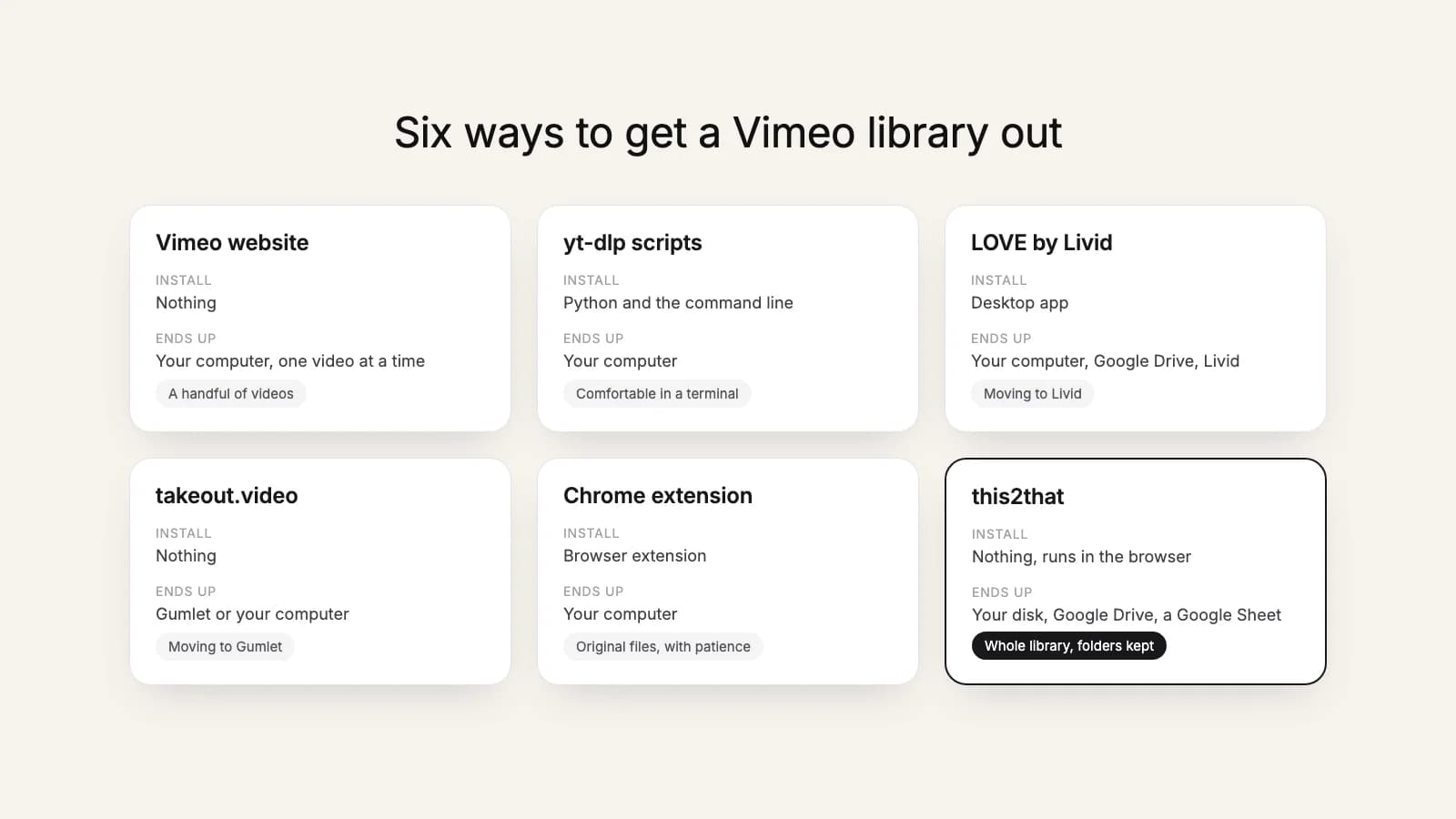
| Option | Cost | Install | Paid Vimeo plan? | Videos end up | Best for |
|---|---|---|---|---|---|
| Vimeo website | Free | Nothing | No | Your computer, one video at a time | A handful of videos |
| yt-dlp scripts (e.g. vimeo-archive) | Free, open source | Python and the command line | No (uses your browser login) | Your computer | People comfortable in a terminal |
| LOVE by Livid | Free | Desktop app | Not stated | Download to your computer, Google Drive, Livid | A free app, or moving to Livid |
| takeout.video | Free | Nothing | Not stated | Gumlet or your computer (more listed as coming soon) | Moving to Gumlet |
| Bulk Downloader for Vimeo (Chrome extension) | See its listing | Chrome extension | Yes, Standard or above (per its listing) | Your computer | Original files, if you can wait for Vimeo support |
| this2that | 10 videos or 3 GB free, then from $39.99 once | Nothing (browser) | Yes, Starter or above | Google Drive and Shared Drives, your computer, Google Sheets | Google Drive, or no setup at all |
1. The Vimeo website
Open a video you own, use its download option, pick a quality, save. It's free, needs nothing installed, and it still works, with no setup, for the videos inside your 1 GB after a paid plan ends. It's also one video at a time, which is fine for ten videos and hopeless for five hundred. More in our guide to downloading Vimeo videos.
2. yt-dlp scripts, such as vimeo-archive
vimeo-archive is a free, open-source project that downloads a whole library with yt-dlp, using the login in your browser. Its big advantage: it doesn't need a paid Vimeo plan. It resumes interrupted runs and shows progress in a local dashboard. The cost is setup: Python, a few dependencies, exporting your browser cookies, and running commands in a terminal. See this2that vs yt-dlp scripts.
3. LOVE by Livid
LOVE is a free desktop app for Windows, Mac and Linux from Livid, a video hosting company. Its page says it downloads your library or transfers it to Google Drive or into Livid, recreating your folders when you move to Livid. If you're happy to install an app, it's the obvious free option. See this2that vs LOVE.
4. takeout.video
takeout.video is a free web service that streams videos out of Vimeo in original quality. Today it moves them to Gumlet (carrying titles, captions and thumbnails along) or down to your computer; S3, Dropbox, Google Cloud Storage and Google Drive are listed as coming soon. See this2that vs takeout.video.
5. Vimeo support plus the Bulk Downloader extension
According to its Chrome Web Store listing, the Bulk Downloader for Vimeo extension needs a paid Vimeo plan (Standard or above) and works from a file you request from Vimeo support: a CSV of signed links to your original uploads, which the listing says takes one to three days to arrive. You load the CSV into the extension and it downloads the files. We haven't tested this route, and Vimeo doesn't document it in its help center, so treat it as worth asking about rather than guaranteed.
6. this2that
Our tools run in the browser, with nothing to install. The bulk downloader saves the whole library to a folder on your computer or an external drive, sorted into your Vimeo folders. The Google Drive tool copies it straight into Drive or a Workspace Shared Drive on our servers, so you can close the tab while it runs. It needs a paid Vimeo plan (Starter or above), because it uses Vimeo's API. The first 10 videos or 3 GB are free; after that you buy one pack for the size of your library, from $39.99, with no subscription.
How to choose
- A few videos: the Vimeo website.
- Your plan has already ended: a yt-dlp script can reach what's still playable, or upgrade for a month to unlock everything first.
- Free, and you don't mind installing an app: LOVE.
- Moving to Gumlet: takeout.video.
- Into Google Drive or a Shared Drive, or no setup at all: this2that.
Whichever you pick, finish before your Vimeo billing period ends: here's what happens after it does.
Try this2that on your own library: the first 10 videos or 3 GB are free.